Wingdings Image Generator – Turn Text into Wingdings PNG
Create stunning Wingdings images from your text in seconds. Type any text, choose Wingdings 1, 2, or 3, customize colors and size, then download a high-quality PNG — free, no sign-up.
Learn More About Wingdings Symbols
New to symbol fonts? Start with our main Wingdings translator to convert text instantly, or explore the complete Wingdings chart for a full character reference. For the technical details behind these fonts, see Alan Wood’s Wingdings character table, the authoritative online reference. Understanding the font helps you get better results from any image generator — you’ll know exactly which symbols each letter produces before you download your PNG.
How to Generate a Wingdings Image
- Type your text in the box above.
- Pick a font: Wingdings, Wingdings 2, or Wingdings 3.
- Customize: Adjust size, text color, background — or transparent.
- Download: Click “Download PNG”.
Why Use a Wingdings Image Generator?
Plain Wingdings text works for messages, but sometimes you need a picture. Our Wingdings image generator turns any text into a crisp PNG image you can share anywhere — social media posts, YouTube thumbnails, Discord server icons, presentation slides, or printed designs. Unlike copying symbols as text (which can render differently on each device), a PNG locks in the exact look: your chosen font, size, colors, and transparent or solid background stay pixel-perfect everywhere. The Wingdings image generator renders everything locally in your browser, so your images are private and download instantly with no watermarks, no sign-up, and no usage limits.
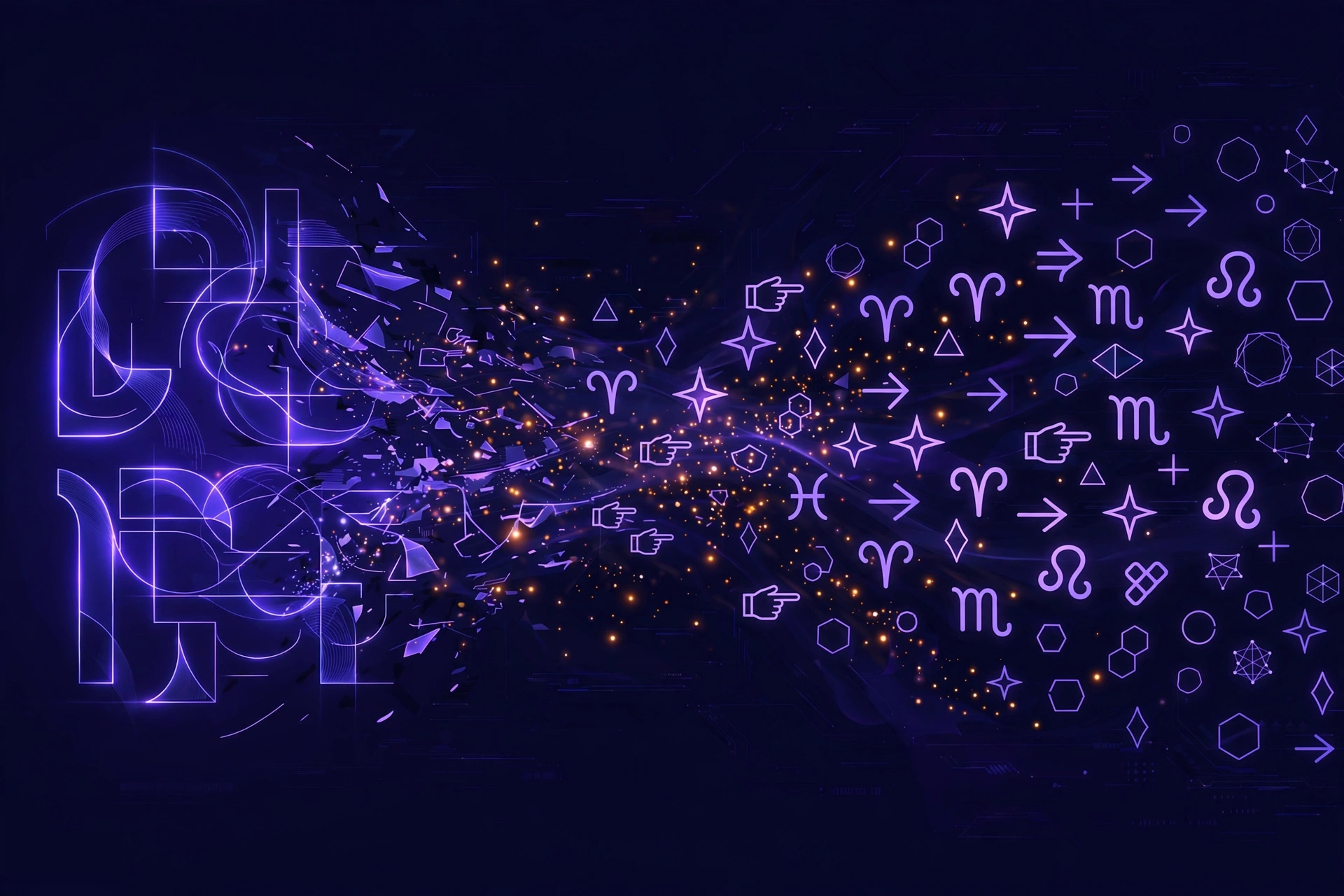
Wingdings Image Generator Features
- Three authentic fonts: generate images in Wingdings, Wingdings 2, or Wingdings 3.
- Full customization: adjust font size, text color, and background color — or enable transparent background for overlays.
- High-quality PNG: crisp, high-resolution output that stays sharp at any size.
- One-click download: the Wingdings image generator exports your design as a PNG file instantly.
- 100% free & private: unlimited images, no account, everything processed on your device.
Creative Ways to Use Wingdings PNG Images
The Wingdings image generator opens up creative possibilities beyond plain text. Design mysterious secret-code posters for parties or escape rooms. Create unique social media graphics — Wingdings symbols stand out in crowded feeds. Make custom Discord emojis or server icons from your favorite symbols. Teachers can build puzzle worksheets where students decode symbol messages. Gamers use the Wingdings image generator for Undertale fan art, Gaster-themed graphics, or Roblox thumbnails. Because you can set a transparent background, the PNGs layer cleanly over photos, videos, and designs in any editor.
Wingdings Image Generator vs. Taking Screenshots
You could screenshot translated text, but the Wingdings image generator is far better. Screenshots capture your entire screen at screen resolution — often blurry, with unwanted UI elements. Our Wingdings image generator renders a clean, high-resolution PNG containing only your symbols, with precise control over size, colors, and transparency. The result is professional-quality graphics in one click, not a cropped screenshot. Plus, transparent-background PNGs are impossible to get from screenshots but trivial with the Wingdings image generator — just check “Transparent BG” before downloading.
Tips for the Best Wingdings Images
For the sharpest results from the Wingdings image generator, use a large font size — bigger text produces higher-resolution PNGs. Choose high-contrast color combinations (dark symbols on light backgrounds, or white symbols on transparent) for maximum readability. If you plan to overlay the image, always enable transparent background. Short phrases and single words make the most striking graphics; long paragraphs are better suited to the text Wingdings translator. Experiment with all three fonts — Wingdings, Wingdings 2, and Wingdings 3 each give a completely different visual style.
FAQs
Is it free?
Yes! Unlimited free PNG downloads, no account needed.
Transparent background?
Yes — check “Transparent BG” for overlay-ready PNGs.
What size are the generated PNGs?
The Wingdings image generator creates high-resolution PNGs scaled to your chosen font size. Larger font sizes produce larger, sharper images suitable for printing or HD graphics.
Can I use the PNGs commercially?
Yes — images you create with our free Wingdings image generator are yours to use in personal or commercial projects, with no attribution required.
Which browsers are supported?
The Wingdings image generator works in all modern browsers — Chrome, Firefox, Safari, and Edge — on phones, tablets, and computers.