Wingdings 3 Translator
Convert text into Wingdings 3 symbols and decode Wingdings 3 back to English with our free Wingdings 3 translator. Wingdings 3 is Microsoft’s arrow-heavy symbol font — use this dedicated tool for accurate encoding and decoding.
What Is Wingdings 3?
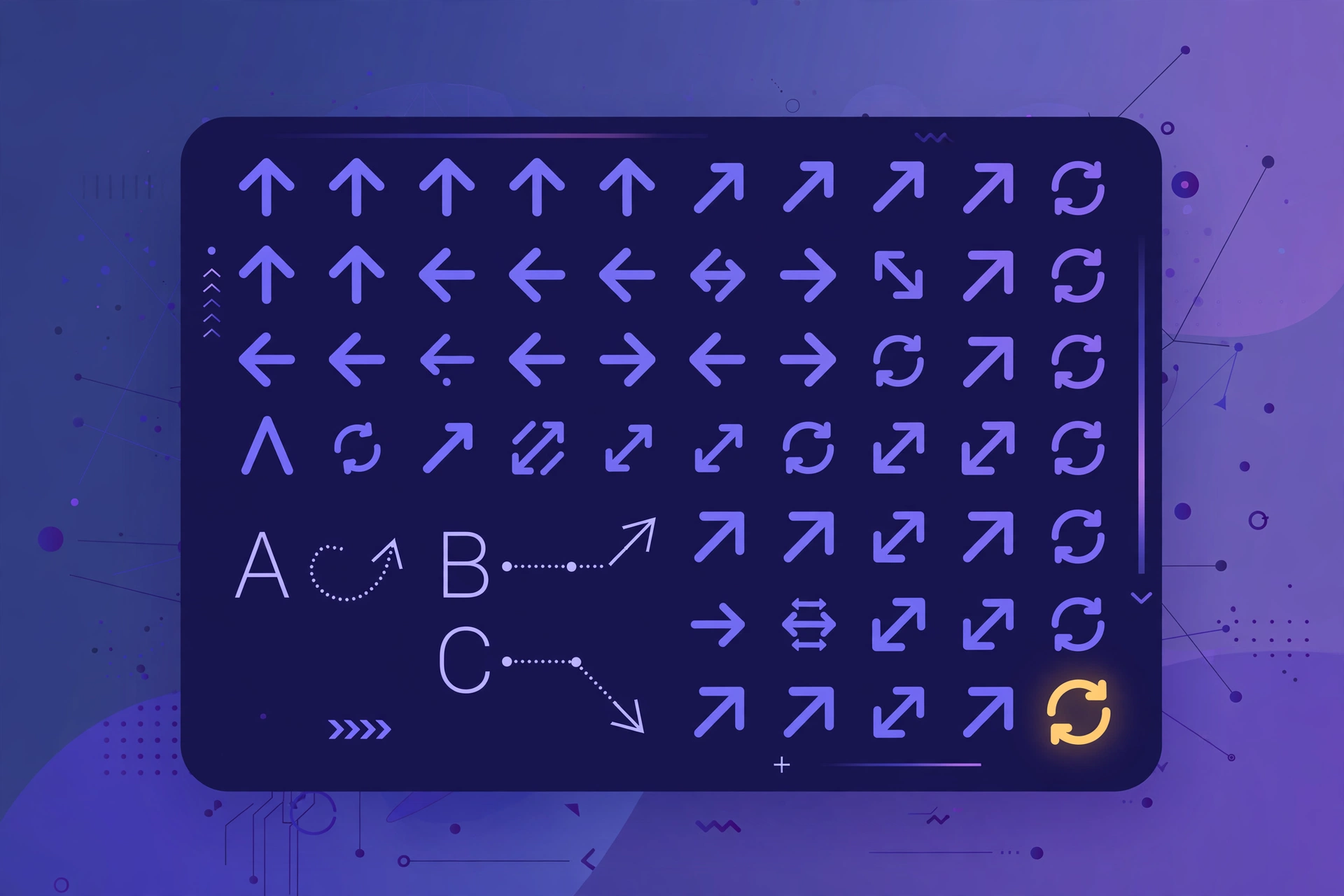
Wingdings 3 is the third font in Microsoft’s Wingdings family, and it is almost entirely made of arrows — arrows pointing in every direction, inside circles, squares, and plain. If you have ever seen a document full of arrow symbols where text should be, it was probably written in Wingdings 3.
Like the other Wingdings fonts, each letter maps to a fixed symbol — but the assignments are unique to Wingdings 3, so you need this dedicated translator for correct results.
When to Use the Wingdings 3 Translator
- Decoding arrow-symbol text found in old documents, memes, or puzzles.
- Creating directional graphics — encode letters to get instant arrow symbols for diagrams and designs.
- Fun codes — arrow-only messages look like a secret agent cipher.
For the classic symbol set, use our main Wingdings translator. For the office-style set, try the Wingdings 2 translator.
Wingdings 3 Alphabet Chart
Quick reference — every letter A–Z mapped to its Wingdings 3 arrow symbol:
| Letter | Symbol | Letter | Symbol |
|---|---|---|---|
| A | ⮑ | a | 🢧 |
| B | ⮒ | b | 🢨 |
| C | ⮓ | c | 🢩 |
| D | ⮀ | d | 🢪 |
| E | ⮃ | e | 🢫 |
| F | ⭾ | f | ← |
| G | ⭿ | g | → |
| H | ⮄ | h | ↑ |
| I | ⮆ | i | ↓ |
| J | ⮅ | j | ↖ |
| K | ⮇ | k | ↗ |
| L | ⮏ | l | ↙ |
| M | ⮍ | m | ↘ |
| N | ⮎ | n | 🡘 |
| O | ⮌ | o | 🡙 |
| P | ⭮ | p | ▲ |
| Q | ⭯ | q | ▼ |
| R | ⎋ | r | △ |
| S | ⌤ | s | ▽ |
| T | ⌃ | t | ◄ |
| U | ⌥ | u | ► |
| V | ⎵ | v | ◁ |
| W | ⍽ | w | ▷ |
| X | ⇪ | x | ◣ |
| Y | ⮸ | y | ◢ |
| Z | 🢠 | z | ◤ |
For the complete technical character set, see Alan Wood’s Wingdings 3 reference table.
How to Use the Wingdings 3 Translator
- Type or paste text into the box.
- Choose encode (Text → ✦) or decode (✦ → Text) with the ⇄ button.
- Copy the result with one click.
Frequently Asked Questions
What is Wingdings 3 used for?
Wingdings 3 is an arrow-symbol font. This translator encodes text into its arrows and decodes arrow symbols back into readable English.
Is Wingdings 3 different from Wingdings and Wingdings 2?
Yes — all three are separate Microsoft fonts with different glyph assignments. Use the matching translator for accurate results.
Why do I see arrows instead of text?
The text was typed in the Wingdings 3 font. Paste the symbols into the decoder above to reveal the original message.
Is it free?
Yes — free, no sign-up, no limits, and everything runs privately in your browser.