Wingdings 2 Translator
Translate text into Wingdings 2 symbols and decode Wingdings 2 back to English with our free online Wingdings 2 translator. Wingdings 2 is a different font from classic Wingdings — with its own symbol set — so use this dedicated tool for accurate results.
What Is Wingdings 2?
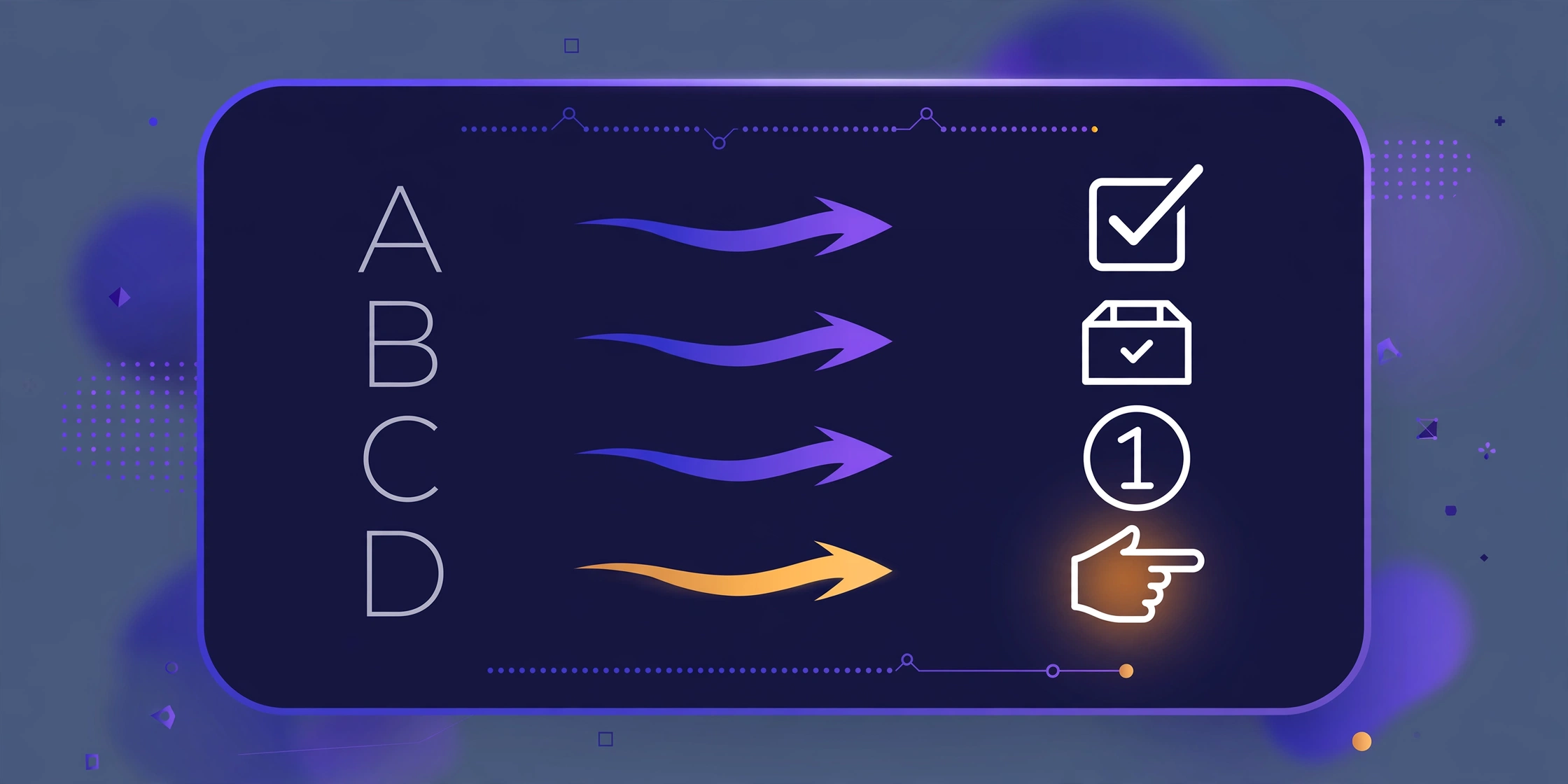
Wingdings 2 is Microsoft’s second symbol font, shipped with Windows alongside the original Wingdings. While classic Wingdings is famous for hands, arrows, and stars, Wingdings 2 leans toward office and interface symbols — check marks, ballot boxes, circled numbers, and UI-style glyphs.
Because the two fonts assign completely different symbols to the same letters, a regular Wingdings translator gives wrong results for Wingdings 2 text. That is why this page uses a separate, verified Wingdings 2 character map.
Wingdings vs. Wingdings 2: Key Differences
- Different glyph sets: the letter A produces a different symbol in each font.
- Different style: Wingdings 2 symbols are more geometric and “interface-like.”
- Same idea: both are dingbat fonts where typing letters outputs symbols.
Need the original font? Use our main Wingdings translator. Need arrows? Try the Wingdings 3 translator.
Wingdings 2 Alphabet Chart
Quick reference — every letter A–Z mapped to its Wingdings 2 symbol:
| Letter | Symbol | Letter | Symbol |
|---|---|---|---|
| A | 🖛 | a | 🙦 |
| B | 👈 | b | 🙤 |
| C | 👉 | c | 🙥 |
| D | 🖜 | d | 🙧 |
| E | 🖝 | e | 🙚 |
| F | 🖞 | f | 🙘 |
| G | 🖟 | g | 🙙 |
| H | 🖠 | h | 🙛 |
| I | 🖡 | i | ⓪ |
| J | 👆 | j | ① |
| K | 👇 | k | ② |
| L | 🖢 | l | ③ |
| M | 🖣 | m | ④ |
| N | 🖑 | n | ⑤ |
| O | 🗴 | o | ⑥ |
| P | ✓ | p | ⑦ |
| Q | 🗵 | q | ⑧ |
| R | ☑ | r | ⑨ |
| S | ☒ | s | ⑩ |
| T | ☒ | t | ⓿ |
| U | ⮾ | u | ❶ |
| V | ⮿ | v | ❷ |
| W | ⦸ | w | ❸ |
| X | ⦸ | x | ❹ |
| Y | 🙱 | y | ❺ |
| Z | 🙴 | z | ❻ |
For the complete technical character set, see Alan Wood’s Wingdings 2 reference table.
How to Use the Wingdings 2 Translator
- Type or paste text into the box.
- Choose encode (Text → ✦) or decode (✦ → Text) with the ⇄ button.
- Copy the result with one click.
Frequently Asked Questions
What is the Wingdings 2 translator used for?
It converts text to and from the Wingdings 2 symbol font — useful for decoding old documents, game text, or puzzles written in Wingdings 2.
Is Wingdings 2 the same as Wingdings?
No. They are separate Microsoft fonts with different symbol assignments. Always match the tool to the font.
Can I decode Wingdings 2 on my phone?
Yes — this tool outputs Unicode symbols that display on any modern phone, tablet, or computer.
Is it free?
Yes, free with no sign-up and no limits. Translation runs entirely in your browser, so your text stays private.
Why does ☒ sometimes decode to T instead of S?
That is how the real Wingdings 2 font works: the letters S and T share the exact same glyph (☒), and W and X share another (⦸). No translator can reverse these perfectly, because the original letter is genuinely ambiguous. Our tool decodes them to the most common option (T and X). Encoding (text → symbols) is always 100% accurate.